The website I’ll be reviewing is DIAMM which stands for The Digital Image Archive of Medieval Music. This is a British website created in 1998 that talks about a music project aiming to make an archive of English music dating as far back as 1300. The project was founded by Dr. Margret Bent of All Souls College in Oxford and Professor Andrew Wathey of Northumbria University. The website keeps a photo archive of medieval sheet music. DIAMM is definitely for people who enjoy music and history. And for the music enjoyers it can be anyone who plays, listens, composes, or just studies music. And for the history enthesitis, it has centuries of data to go through.
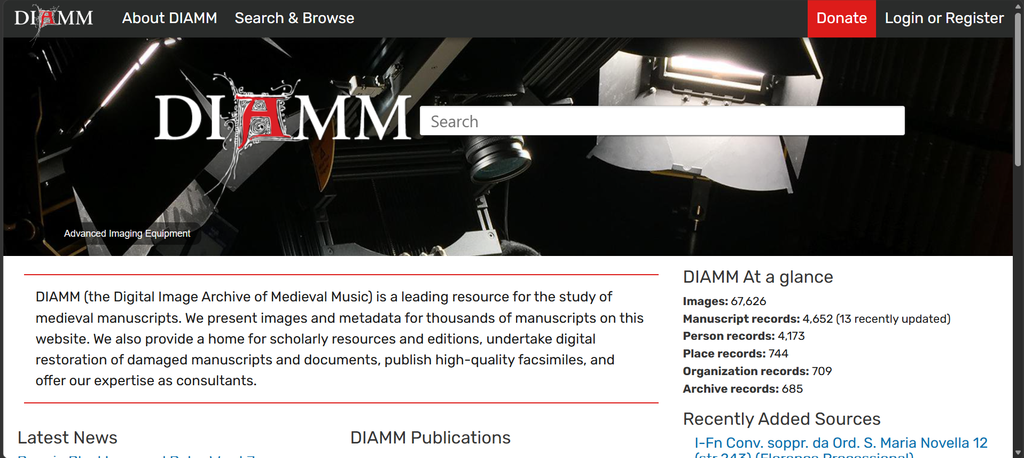
When you open the site, you are met with a home page with the logo and a search bar at the top. Along the top bar there is also a button with the options to either login, register, or donate. There is a short summary of the project right under it. If you scroll down it’s followed by linked titles of the latest news related to the project or its workers as well as their publications. They keep a short description of their archive and sources. At the bottom of the page, you’ll find the collaborators of this project. I like this formatting because it instantly has all the important features as soon as you start with more of the specifics further down. On the top bar you have another two options to either find out more about the project or start searching through their database.
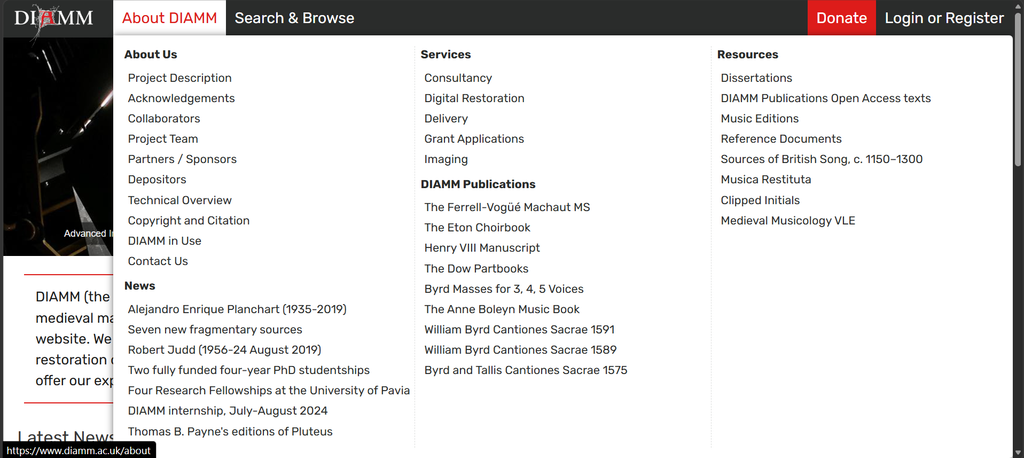
When you hover above “About DIAMM” you’re given a lot of choices that are categorized under about us, services, news, DIAMM publications, and resources. In the about us section it contains the project description, collaborators, sponsors, contacts, etc. the services section talks about delivery, grants, imaging, etc. And the resource section it talks about music editions, references, sources, etc. Though at a glance it does seem overwhelming, it is nice to see the info broken up into such specific categories. Imagine someone wanted to just know how accurate and reliable this archive is. They can go to the website, go to this menu, and they’ll see the “Reference Documents” option.
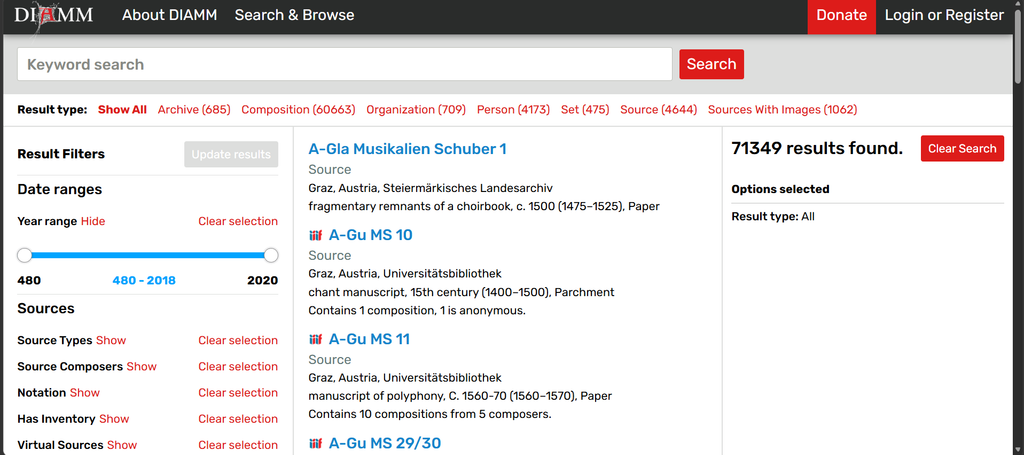
Now let’s say that you want to browse this selection of music and you don’t know where to start. Under the “Search and Browse” option you are met with only two simple options, “Search the Database” and “Browse by Country”. If you chose to search the database it takes you to a page where there’s a search filter on the left, the archive is in alphabetical order in the middle, and the number of results on the right. At the top there is a search bar for key words and right under it, the results get categorized. I love this feature because this database is vast and probably hard to navigate. But filers such as composer, the format, or current state could save you a lot of time. Of the best filters in my opinion is by far the year range filter.
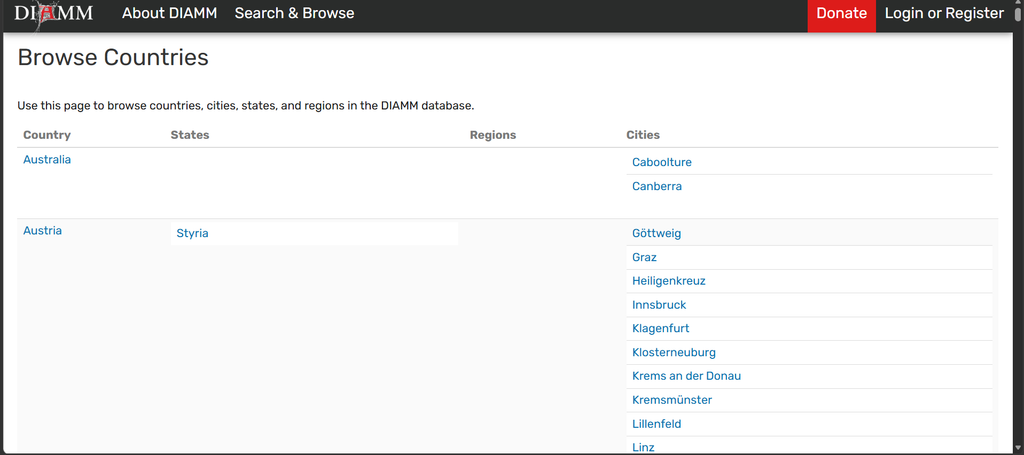
Let’s switch gears to the second search option, browse by country. In the previous section, countries were not one of the available filters. If you choose to browse via country, you’ll be brought to a page where from left to right, you’ll see a list of over 20 countries, their states, regions, and cities from different continents. Now the only reason I don’t like this page is because some of the countries have more available cities in the database. But for those with more cities it’s a much longer box with nothing but empty space on the left under the country name. Personally, I would maybe try to find a way to make the cities for each country some sort of drop-down menu. I would make it its own page though because I don’t think the user would enjoy having to go back and forth multiple times. What I do commend them on is keeping the countries in alphabetical order and the cities in alphabetical order. Now imagine you want to see what music is in their archive from Italy. You would scroll till you find Italy’s name and then select from one of the available states, regions, and/or cities. For this example, let’s explore Florence, Italy. After clicking on Florence, I’m met with a list of archives of sources, organizations involved in the history of a source as an owner, creator, or seller, and provinces that are the origin of the source (all of these are also in alphabetical order). One of the options for organizations is the Church of San Lorenzo. When clicked on it brings the user to a separate page of entries and related sources including the owner. When clicked on we are brought to yet another page with the description of the item (along with a picture if available), information of the composer (if known), comments left behind and contributors. I will note that once you reach this point there’s so many links that it won’t be hard to start falling down a rabbit hole.
Overall, I’d say that this is a great website. The information is broken up into such specific categories which is great for saving time and not having to look in multiple different sections. I also like how for each menu, all the information is kept in alphabetical order the entire time. That being said, this website can be a little overwhelming at times with the way it’s organized.
Leave a Reply